How anonymous shared lists actually work
Last updated October 20, 2026
An anonymous shared list has no accounts anywhere in it — not for you, not for the people you share with. That sounds like a feature that was left out. It’s the opposite: leaving identity out is what makes a list something you can hand to a group chat and have working in seconds. Here’s the whole model, including the parts you should go in knowing.
Opens instantly. No account, no email.
The URL is the key
Every list lives at its own web address — a long random string that nothing and nobody can guess. That address is the entire security model: hold the link and you’re in; don’t and you aren’t. It works like a house key. There’s no lock screen asking who you are, because having the key is the answer. List addresses are never put in front of search engines, so the only way to arrive at one is to be given it.
Everyone with the link is equal
There are no roles, no owner, no “request access.” Whoever opens the link can add items, check things off, reorder, rename — the same powers you have. That’s what makes the list frictionless for the other people: your partner, the team parents, the trip group all tap once and are already editing. Nothing to install, nothing to join, no password anyone can forget.
How it stays yours without an account
Your phone does the remembering. Every list you’ve opened sits in the drawer on that device, and “Copy all my lists” hands you every link in one tap — worth doing occasionally, because with no account there is no “forgot password” to rescue a lost link. Your name works the same way: it’s stored on your device and shown to others while you’re on the list (“Dana is typing…”), never registered anywhere. Nothing to log into also means nothing to be locked out of.
What keeps open editing from becoming chaos
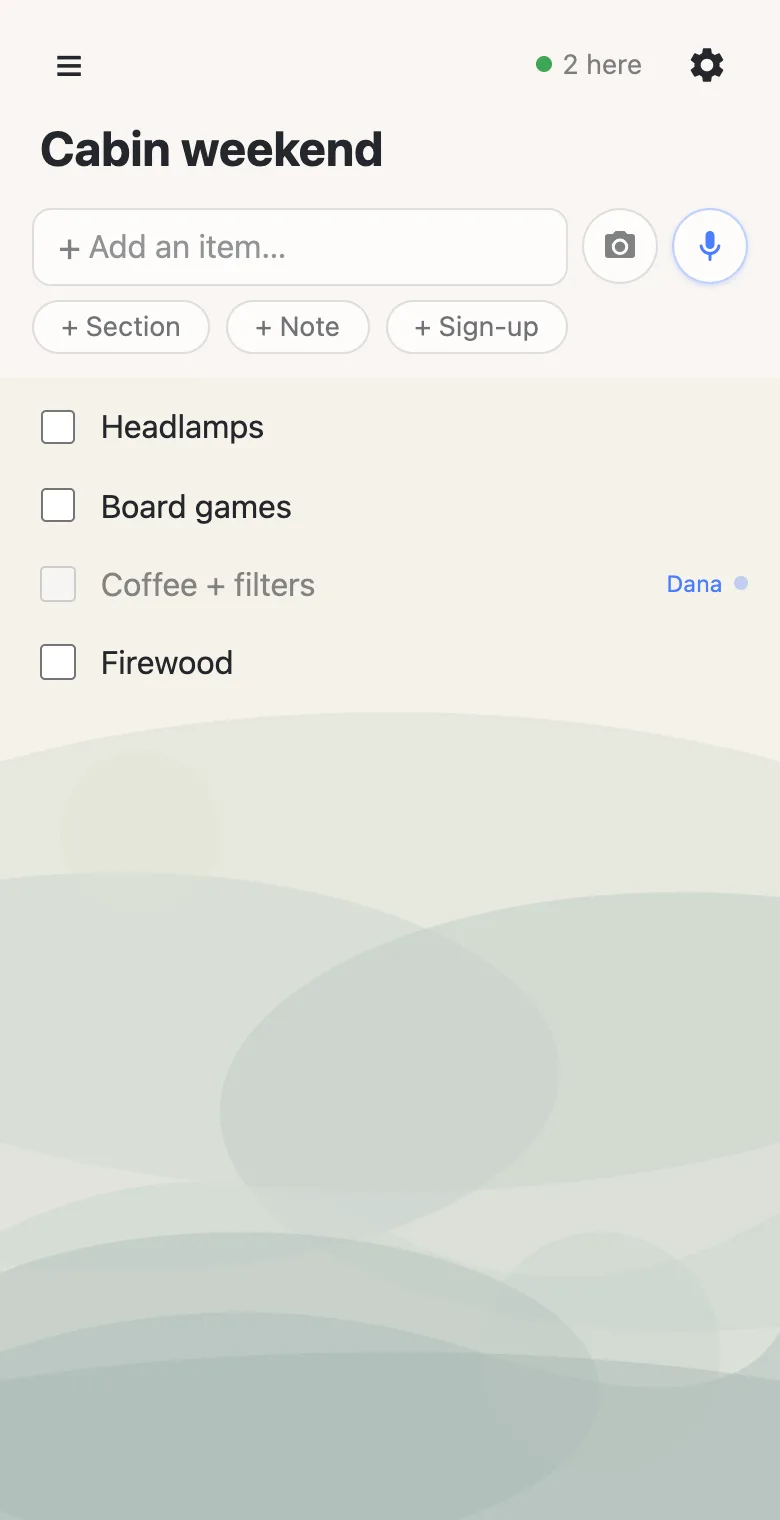
A list everyone can edit sounds like a list someone will wreck by accident. The guards are built into the interactions instead of into permissions: everyone sees the same list update live, so there’s no stale copy to fight over; while someone’s editing a row, others see who’s typing and the row holds still; completing an item asks first, because it freezes the text; and a deleted item offers a few seconds of undo. Openness plus visibility turns out to be surprisingly self-policing — the same reason a shared doc works when a wiki war doesn’t.
What it’s built for
The anonymous model shines at coordination among the people you hand the link to: groceries, packing, chores, potlucks, sign-ups, trips. Keep it to that kind of thing — anything you’d keep secret belongs somewhere built for secrets. And when you want one person in charge — an owner who decides what everyone else can change — that’s anonylist pro, a paid layer on the same links.
With anonylist pro, a list gets an owner: you sign in, visitors don’t, and you choose per-feature what they can do — see a shared checklist where you choose what others can change.
Questions
- If there are no accounts, how does the list know who I am?
- It doesn’t, and that’s the design. Your device keeps its own display name and its own collection of links; the server only ever sees that someone with the URL made a change.
- Could a stranger stumble onto my list?
- List addresses are long random strings — not guessable in practice — and they’re never indexed by search engines. But anyone you share the link with can share it further, so treat the link like a key.
- What if I lose the link to my own list?
- Your device remembers every list it has opened, and “Copy all my lists” exports the links in one tap — keep that copy somewhere safe and you can reopen any of them from any device.